Wednesday, October 04, 2006

Wicked Wednesday

Been hanging with my friends all day.

A regular Dota session was held on the computer shop outside the school. Don't worry, we don't have any classes and we just wanted to relax. Ok, the line-up is as follows:

The Sentinel

spawn - Alchemist
pol - Dwarven Sniper

The Scourge

Siopy - Goblin Tinker
jakejake - Sand king
oist!! - Venomancer

Allpick/No powerups

I know that The Sentinel is one man short, but jakejake is just a newbie. Anyways, the game started with a quick battle on the middle lane, tinker pwned dwarven for the first blood. The Scourge are on a push as alchemist desperately defend their tower, but the game is in favor of the scourge. Too bad the game did not concluded because of power failure.

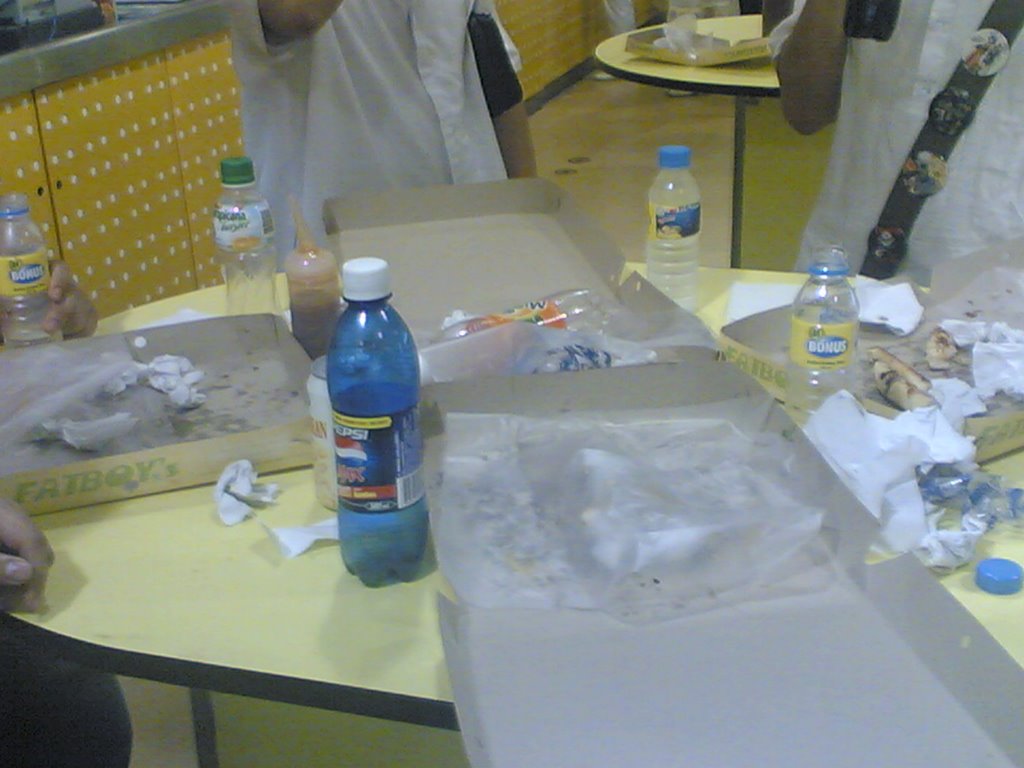
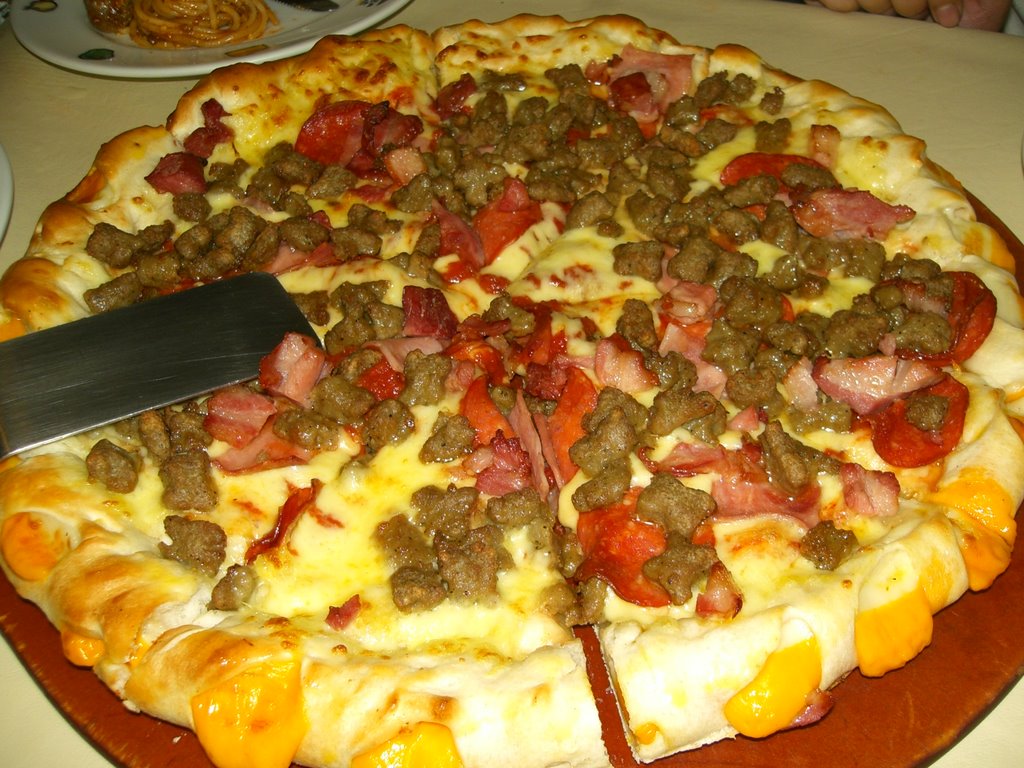
After the game, we waited for 8pm so we can all go to SM North. Me together with Mam Vange, Mam Shane, Sir Jake, Sir TJ and Sir Ihan (with a student who's name is omitted due to some reasons). It was a food trip because Jake,TJ, the student and Myself ordered a large pizza EACH. Eating can never be this good.

Before:


After:


BTW, We went also to SM last Monday. Here are the pics:


Before:


After:


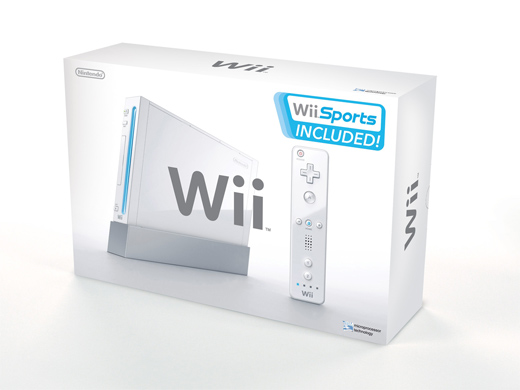
Wii Global launch: Nov. 19


30 New Games, 30 Retro Titles, User-Friendly 'Channels' Make it the Affordable System for Gamers, Newcomers and Families

Nintendo will reshape the home entertainment and video game landscape with the launch of its heralded Wii™ home video game console. The Americas will lead the worldwide launch on Nov. 19. Wii will be sold as an affordable, mass-consumer product at an MSRP of just $249.99. The price includes one wireless Wii Remote controller, one Nunchuk™ controller and the groundbreaking collection of five different Wii Sports games on one disc, which anyone can play using simple movements, experienced or not.

Every Wii console includes another distinctive feature: a series of on-screen “channels” that make up the Wii Channel Menu, which makes the console approachable and customizable for everyone, from the most avid gamer to people who have never played before. The Wii Channel Menu is the starting point for all of the console’s functions. The “channels” offer a gateway to a rich variety of entertainment options. When connected to a TV, the Wii Channel Menu offers a simple interface, letting users pick games to play, get news or weather, view and send photos or even create playable caricatures of themselves to use in actual games. Additional functions allow users to redeem Wii Points and download classic games to Wii’s Virtual Console™. The variety of options available through the Wii Channel Menu motivates both gamers and non-gamers to turn on Wii’s power every day.

Wii is creating worldwide excitement with its unique control system, an inventive, first-of-its-kind controller whose position can be detected in a 3-D space. The new controller allows users to pinpoint targets in games or move through the Wii Channel Menu with precision and ease. This intuitive control system will be understood immediately by everyone, regardless of their previous experience with video games. With this one small controller, Wii makes games both easier and more intense than anything previously experienced. For example, in the Wii Sports tennis game, players swing the Wii Remote like a racket to hit the ball, as in real life. They can add topspin or slice the ball just by angling their hands and wrist like they would in a real match.

“Wii reinvents games for the devoted player,” says Nintendo of America President Reggie Fils-Aime. “But more importantly, Wii breaks the wall separating players from non-players by delivering the best game experiences for the most affordable price. We believe the next leap is games for the masses – young and old, gamer or non, alone, with a friend or with the whole family.”

Fils-Aime made his remarks in New York, shortly after Nintendo executives in Japan announced Wii will launch there on Dec. 2.

Between launch day and Dec. 31, Wii owners will enjoy a robust lineup of 30 software titles, with selections for everyone from video game veterans to newcomers. Some top Nintendo launch titles include Wii Sports, a compilation of tennis, baseball, golf, bowling and boxing; The Legend of Zelda®: Twilight Princess; and EXCITE TRUCK™. While publishers are free to set their own prices for games, first-party Nintendo titles will have an MSRP of $49.99. Wii’s self-loading media bay also can play the entire library of more than 530 Nintendo GameCube™ titles from day one.

Third-party developers around the world have lined up to provide unprecedented support for Wii.

“I believe the Wii will attract new and casual gamers to the world of interactive entertainment,” says Larry Probst, Chairman and CEO, Electronic Arts. “It’s a fun, easy and economical system that will become a bridge to gaming for mainstream audiences. At EA, we are putting more support behind the Wii than any Nintendo hardware launch since the Super NES.”

“The Wii is changing audience interaction, opening up whole new experiences that have never been possible in video games,” says Robert Kotick, Chairman and CEO, Activision, Inc. “With the instinctual control of the Wii Remote, Nintendo is advancing the gaming experience to the broadest audience of gamers. Activision is excited about the launch of the Wii and the opportunity it offers. So much so, we plan to have five titles available at launch – our strongest lineup ever for a new console. We have more development resources devoted to the Wii than to any previous Nintendo platform. The Wii is likely to have a profound impact on the size, growth and overall opportunities for the video game market.”

“The Wii control scheme opens up unexplored areas for our talented teams to innovate when creating games,” says Laurent DeToc, President of Ubisoft North America. “It’s invigorating for us. We believe that it will help create a new level of interest in video games and engage more players around the world.”

Source: Nintendo.com

Monday, October 02, 2006

Blogging for the masses

I read an article over the net that blogging are for leet people

ROFLMAO

Most of the bloggers I know doesn't even know what leet means. Anyway, here in the Philippines, blogging is way better than watching over-rated telenovelas, what a waste of airtime.

See the article here


Sunday, October 01, 2006

A Guide in Playing ISO Games in PSP TA-082

Before, all PSP users who has a motherboard model TA-082 cannot enjoy homebrews due to the inability of downgrading their PSPs to firmware 1.5 (refresh your memory). But know, TA-082 users rejoice! There is a way to play ISO games and homebrews in your forsaken unit. Read on.

the files need before proceeding:

PSP 2.71 update us
http://www.psp-hacks.com/download.php?id=525
PSP 2.71 update jp
http://www.psp-hacks.com/download.php?id=524
homebrew enabler for 2.71(rev.B)
http://www.psp-hacks.com/download.php?id=807
Devhook launcher for 2.71 port
http://www.psp-hacks.com/download.php?id=811
1.50 US Dump
http://www.psp-hacks.com/download.php?id=8
Devhook v0.46 ultimate installer v1.1.1
http://www.psp-hacks.com/download.php?id=673

A)update your psp to 2.71

1.open "2_71_US_firmware_update" or "2_71_JAP_firmware_update" with WinRAR
2.plug psp to computer then on psp screen go to "USB connection"
3.move EBOOT.PBP to memory stick "PSP/GAME/UPDATE" folder
(if u don't have the update folder make one)
4.then on the screen of your PSP go to "GAME" then "PSP update ver 2.71"
(click it whatelse,just follow the update instructions)
finish updating

B)moving "homebrew enabler for 2.71(rev.b)","Devhook launcher for 2.71 port","1.50 US Dump" to psp

1.open "henb2" with WinRAR (known as homebrew enabler for 2.71(rev.B))
2.plug psp to computer then on psp screen go to "USB connection"
3.move "src" to "memorystick" that means when u open ur memorystick
drive from computer(just drag it to that place),(if ask to overwrite,click yes)
4.open MS_ROOT and move "dh" and "PSP" to "memorystick" that means when u open ur memorystick drive from computer(just drag it to that place),(if ask to overwrite,click yes)

5.open "devlauncher271_2" (known as Devhook launcher for 2.71 port)
6.move "src" to "memorystick"
7.back to "devlauncher271_2" open "MS_ROOT" and move "dh","PSP" to "memorystick" (if ask to overwrite,click yes)

8.open "1_50_US_Firmware_Dump" (as in 1.50 US Dump)
9.move "flash0","flash1","reboot.bin" to memorystick(dh/150) make sure "reboot bin" is the folder.

C)moving "Devhook v0.46 ultimate installer v1.1.1" to psp

1.make a folder in desktop name anyname mines is "julia"
2.open "UI v1.1.1" aplication (known as Devhook v0.46 ultimate installer v1.1.1)
3.click "next" three times
4.choose (of course i agree with the terms!lets Get 'Er done!) and click next
5.install in to the folder "julia" that you made in desktop then click next
6.open the folder you made in desktop "julia" then open (dh/271),move all the file here to your "memorystick"(dh/271)

here is the last thing

1.create a folder in your "memorystick" that means when u open ur memorystick drive from computer create a folder called "iso" don't name it anything elses
2.put a game image into the ISO folder (example:guiltygearjudgement.iso)
3.in your psp screen go to PHOTO then HEN.
4.you will see that the whole screen will go blue or green within 2 to 3 secs after that your psp will auto restart
note:freezing of the psp will occur,it's normal.just keep on trying until you
see the whole screen turns blue or green after that your psp will auto restart but if it goes red then that means it did not write try to do it again.

6.in your psp screen go to game > memory stick > DEVHOOK0.4X launcher for 2.71
7.you will be in devhook menu,now set the settings

umd select : for example:guiltygearjudgement then umd+image
firmware : 2.71
cpu clock : 222/111
boot select : reboot XMB

then click start in the menu.
now you will be in a different setting of 2.71(the background pic is blue)
ok now the final step hold "Home" and press L or R and you will see
that on the bottom of the screen something will pop out as
(ms0:/ISO/"the iso image name").put a UMD into your psp(any kind)
then go to "GAME then UMD(wait till a video of the game pops out).you will see
that it's not the UMD game that you put in the psp but it's the iso image game.
now press X and have fun

note that you need to boot "HEN" everytime you reboot your PSP.
if u want to use irshell,gameboots u have to use 1.5 fw
these all really work in my psp TA-082 2.50>2.60>2.71 GREAT
tell me if u want to use irshell or gameboots in your psp

Source: PinoyPSP.com

Ghost Hunting

Kanina walang gaanong students ang pumasok sa school kaya napag isipan naming mag ghost hunting.

Unang pinuntahan namin ay ang EB building at sa 2nd floor pa lang ay nakakapanindig balahibo na. Pero ayon sa kasama naming sidekick..este psychic, wala siyang nararamdamang kakaiba. Sadyang napakadilim lang talaga wakokoko. Sumunod ay naglakad lakad kami patungong chapel. Sabi ni sidekick ay may nakikita siya sa nag iisang puno malapit sa chapel. Astig! Next naman sa gym, kaso walang mumu dun kundi mga dance troop lang na nag prapractice ng sayaw. Tapos sumunod ay sa CB building naman, ayan na! Luma na kasi ito kaya alam niyo na hehehe. Sa 2nd floor ay nakaramdam ang sidekick namin sa student's lounge, madami daw, kaya nag picture kami (paki click para lumaki)

Virgin (untouched):


Devirginized (contrast correction)


Pagkatapos ay umakyat kami sa 3rd floor at naglakad sa corridor, wala rin buwisst! Pero sa dulo, may cr ng babae! Pumasok kami sa madilim na cr at tumingin tingin. May nakasulat sa salamin! Figure ng isang babae! Ano kaya ibig sabhin nun? Aakyat pa sana kami hanggang 7th floor kaso sinarado na pala ung hagdan pataas. Last destination ay ang CC building. sa 4th floor o library ay may naramdaman ang aming sidekick. Pinatunayan namin yun dahil noon pa man na students pa kami ay nakakaramdam na kami sa library. May mga misteryong bumabalot sa school namin at nandito kami para alamin kung totoo nga ito o kathang isip lamang..OKATOKAT!